
Description
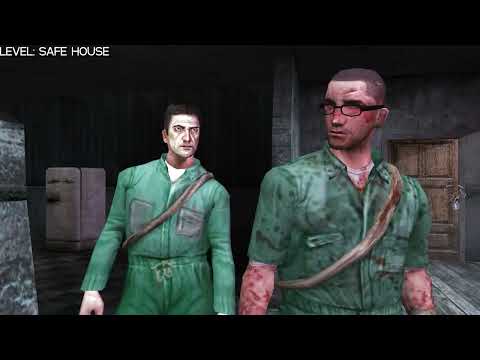
This file replaces the NPC head from the Red Light level with the PS2 version (without the nose). Screenshots from
the video. The texture is the same as on PC; only the model is replaced.
Installation:
1) The Replace folder contains the completed file; simply replace it in levels/A07_Tolerance_Zone.
2) The Manual Install folder contains only the head model for manual installation. Download MDL Editor, open levels/A07_Tolerance_Zone/modelspc.mdl, search for slp_hedA, click Replace, select the file from the archive, and save it in the same location.
Stats
463 Downloads
2 Upvotes
Released on 10.03.2026